chutes-media-mcp
chutes-media-mcp


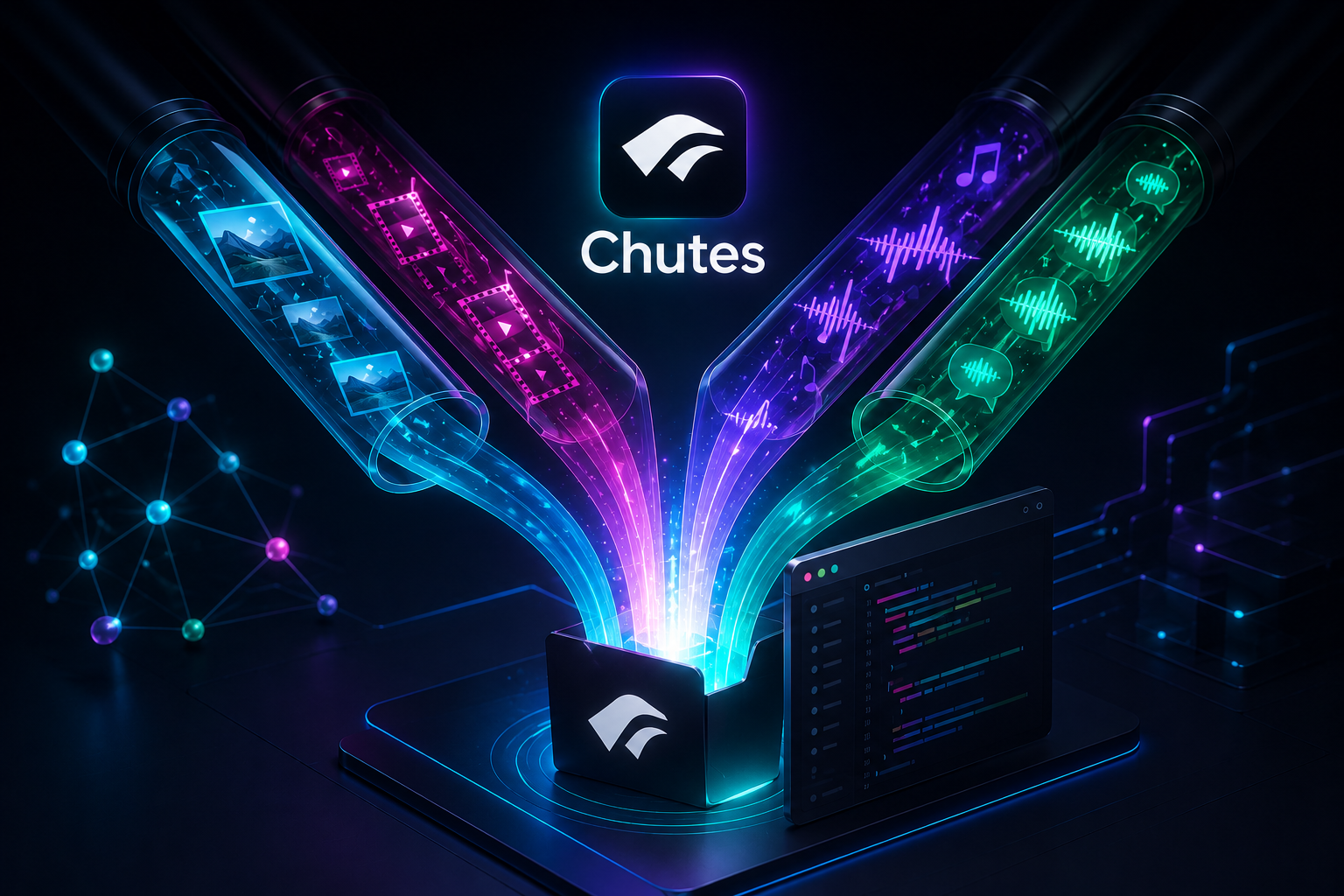
Generate image, video, music and speech through Chutes from inside any coding agent — Claude Code, Cursor, Cline, Windsurf, Codex, OpenCode, Claude Desktop — and have the generated asset saved straight into the project you're working on.
It ships as:
- an MCP server (
chutes-media-mcp, stdio) — the primary, universal interface, - a thin CLI (
chutes-media) — a fallback for shells and agents without MCP support, and - an optional Agent Skill (
skill/chutes-media) documenting the describe→generate workflow (auto-loaded by Claude Code; usable as reference by any agent).
Both frontends are thin adapters over one shared, transport-agnostic core, so they behave identically.
Not officially affiliated with or endorsed by Chutes. "Chutes" belongs to its respective owners; this is an independent, open-source community tool.
Features
- 🎨 Four media kinds: image, video, music, speech — plus image editing (img2img / inpaint) when a model exposes an edit cord.
- 🔎 describe → generate workflow: the live model schema is fetched and handed to the agent; payloads are never hardcoded.
- 💾 Saves assets into your project (default
./assets/chutes/<kind>/) and returns the path. - ✅ Validates the payload against the live schema before spending a GPU call.
- 🧾 Provenance + guardrails: writes a sidecar (model, params, schema hash) next to each asset, rejects unknown params, and verifies the returned media type matches what you asked for.
- 🔁 Automatic cold-start retry with backoff for models scaled to zero.
- 📡 Progress updates during long video/music jobs (MCP progress notifications / CLI stderr).
- 🧩 Works everywhere: MCP server or CLI, same behavior.
How it works: describe → generate
Chutes models differ wildly (FLUX vs Qwen-Image vs Wan vs LTX vs ACE-Step vs a TTS model), so payloads are never hardcoded. The flow is always:
list_media_models— discover a model for the kind you want.describe_media_model— fetch the model's live cords and input schema.generate_media— submit the payload you composed; the asset is saved into the workspace.
The server owns all the plumbing: auth, cold-start warmup + retry, blocking invocation with progress, downloading, saving, light validation, and best-effort cost reporting.
Requirements
- Node.js ≥ 20.3 for the published MCP server and CLI
- Use a supported LTS release (Node.js 22 or 24) for production. Node.js 20 compatibility is retained for the current major release, but Node.js 20 itself is end-of-life.
- Contributors using the locked quality toolchain need Node.js ^20.19.0, ≥ 22.13.0, or ≥ 24
- A Chutes API key (
CHUTES_API_KEY). Create one in your Chutes account.
Install
An MCP server isn't "installed" like an app — it's registered as a command in your MCP client's config (see Use as an MCP server). Pick whichever way of providing that command suits you:
1. npx from npm — recommended (no install):
npx chutes-media-mcp        # MCP server (stdio)
npx -p chutes-media-mcp chutes-media --help   # CLI bin
2. Global install:
npm
Related servers

n8n
by n8n-io
Fair-code workflow automation platform with native AI capabilities. Combine visual building with custom code, self-host or cloud, 400+ integrations.

@modelcontextprotocol/server-everything
OfficialMCP server that exercises all the features of the MCP protocol
@modelcontextprotocol/server-filesystem
OfficialMCP server for filesystem access